Agents
factorai runs Claude Code and Codex. Install either or both and log each in yourself.
What factorai knows about each
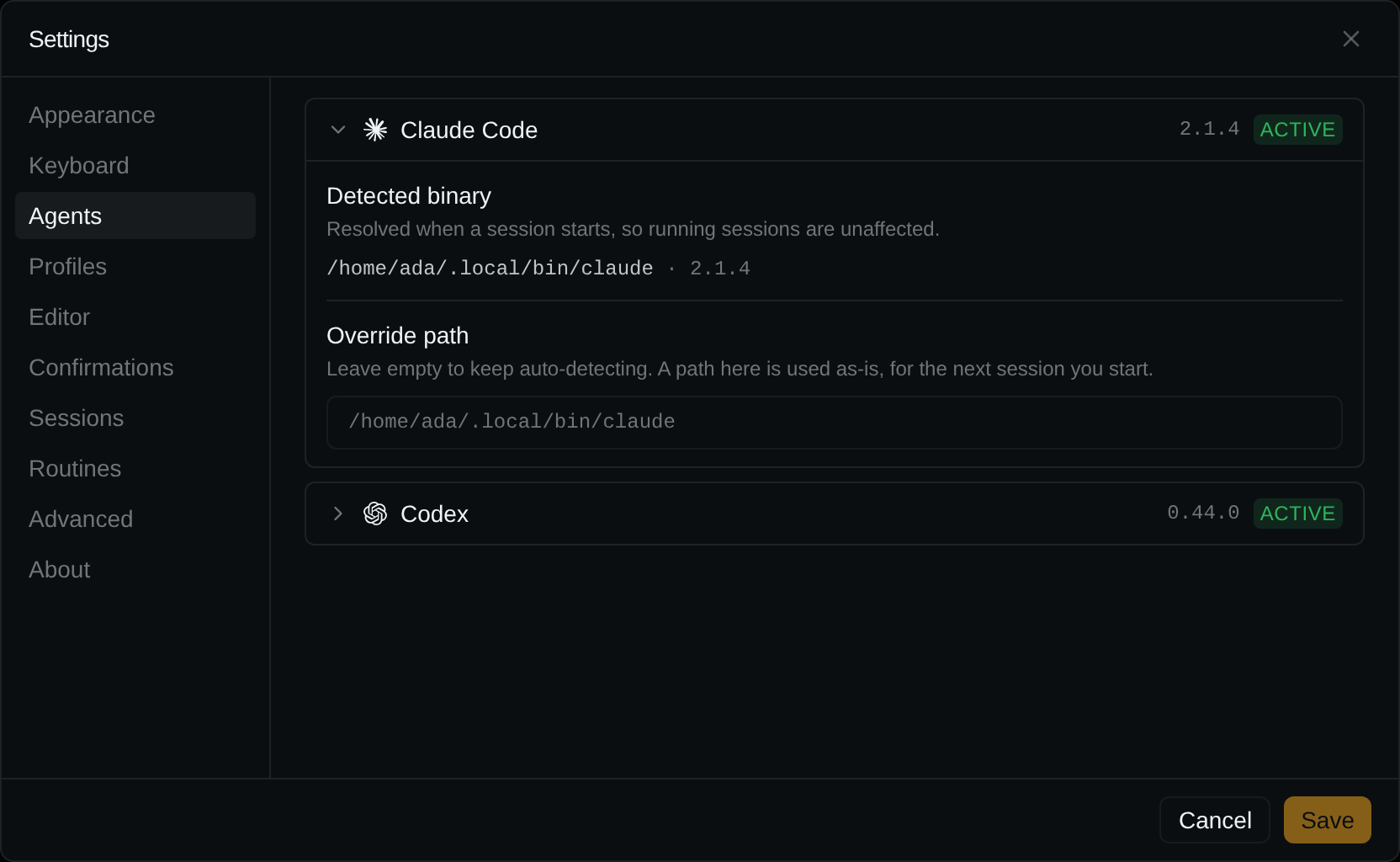
Settings → Agents has one card per agent: ACTIVE with its version, or NOT DETECTED.
Expand it for:
- Detected binary: the path factorai found.
- Override path: use a different binary. Applies from the next session; leave empty to auto-detect.
Nothing found? See Troubleshooting.
Which agent a project runs
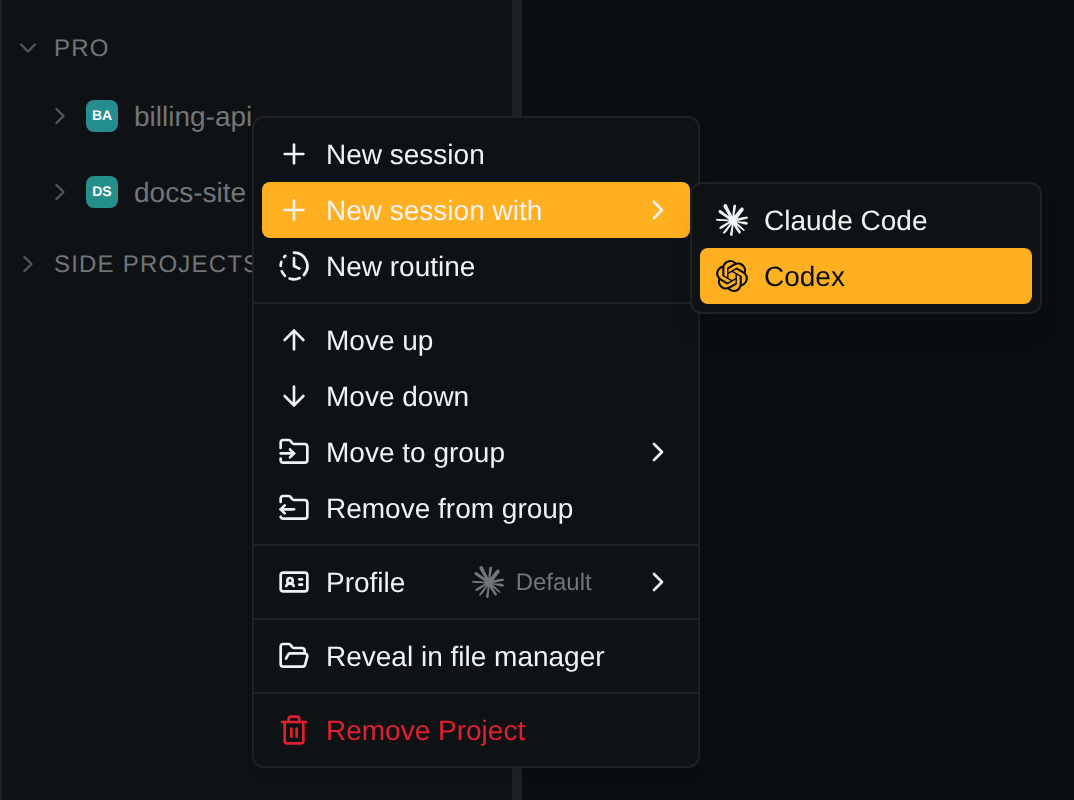
- Each profile belongs to one agent. A project runs its profile's agent, or the starred default's. Both are set in Settings → Profiles; with two or more profiles the project's right-click menu has a Profile submenu.
- To start the other agent once: the chevron beside
+on the project row, or New session with ▸ in the project's menu (only when both are installed).
What is the same, and what differs
| Claude Code | Codex | |
|---|---|---|
| Transcripts read from | ~/.claude/projects/ | ~/.codex/sessions/ |
| Isolated by | CLAUDE_CONFIG_DIR | CODEX_HOME |
| Session title | your /rename, else Claude's own, else the first prompt | Codex's own thread name, else the first prompt |
| Status | the title glyph | the title's run state |
| New session id | assigned by factorai before the process starts | Codex's, adopted at the first turn |
| Add to agent context | yes, into the composer | yes, as a new turn (codex queue), once the thread has had its first message |
| Viewer follows the files the agent reads | yes | not yet |
Tools for the agent
Both agents get factorai's MCP tools at launch: they can list, create and update the project's routines, and switch one off or on, but not delete one.
Codex hides MCP tools behind its tool search, so name them: "use the factorai MCP server to list the routines".