Terminal
Every session is a real terminal running claude or codex itself.
The session terminal
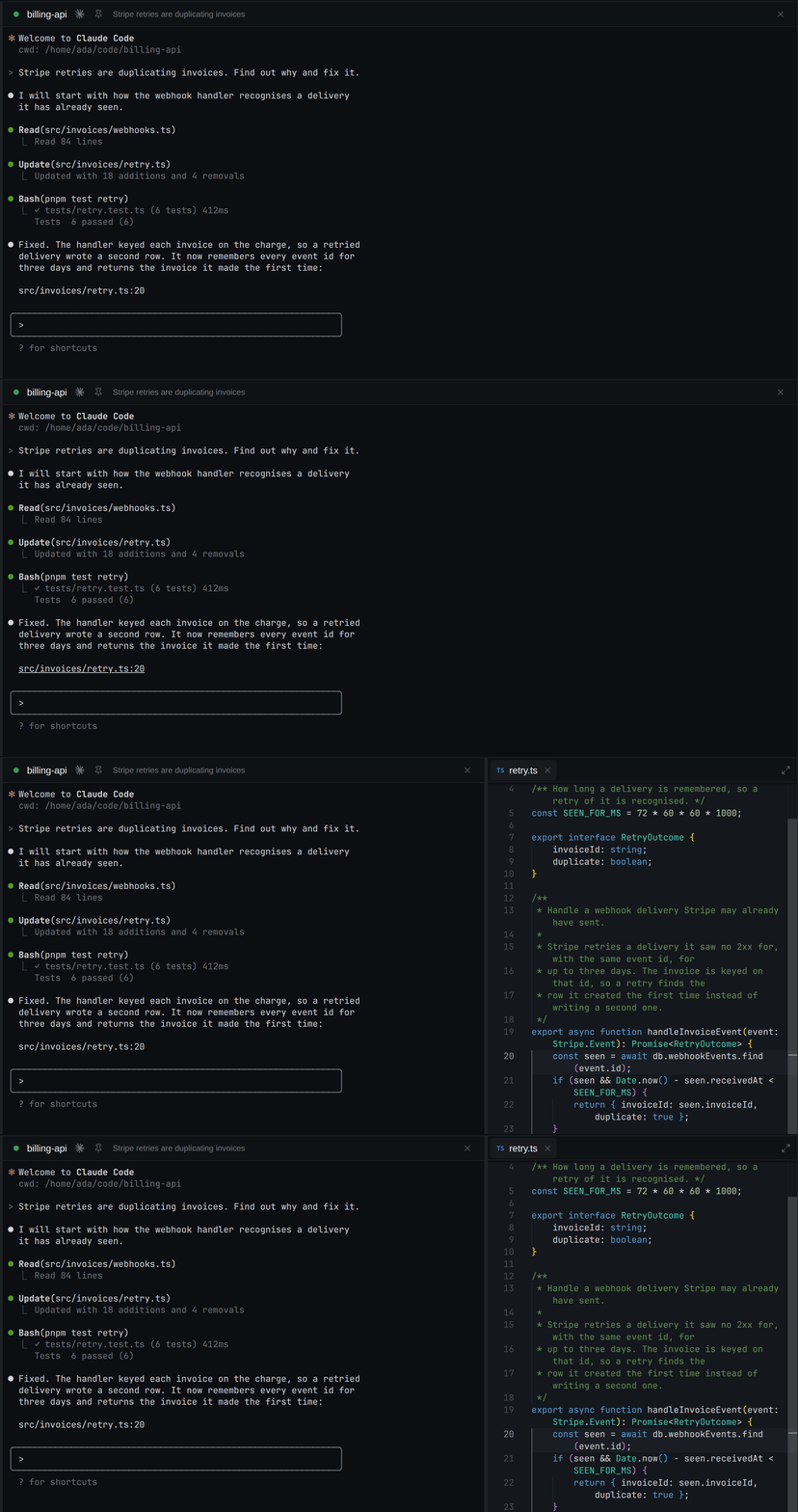
- The header holds the only controls: the pin,
×(Close session), and Restart once the process has exited. - Printed paths and URLs are links:
Ctrl+click (Cmd+click on macOS) opens a path in the viewer and a URL in your browser. A plain click goes to the agent. - Copy: select text, then
Ctrl+Shift+C(Cmd+Con macOS) or right-click.Ctrl+Cstays the interrupt. - Paste: right-click with nothing selected.
The footer shell
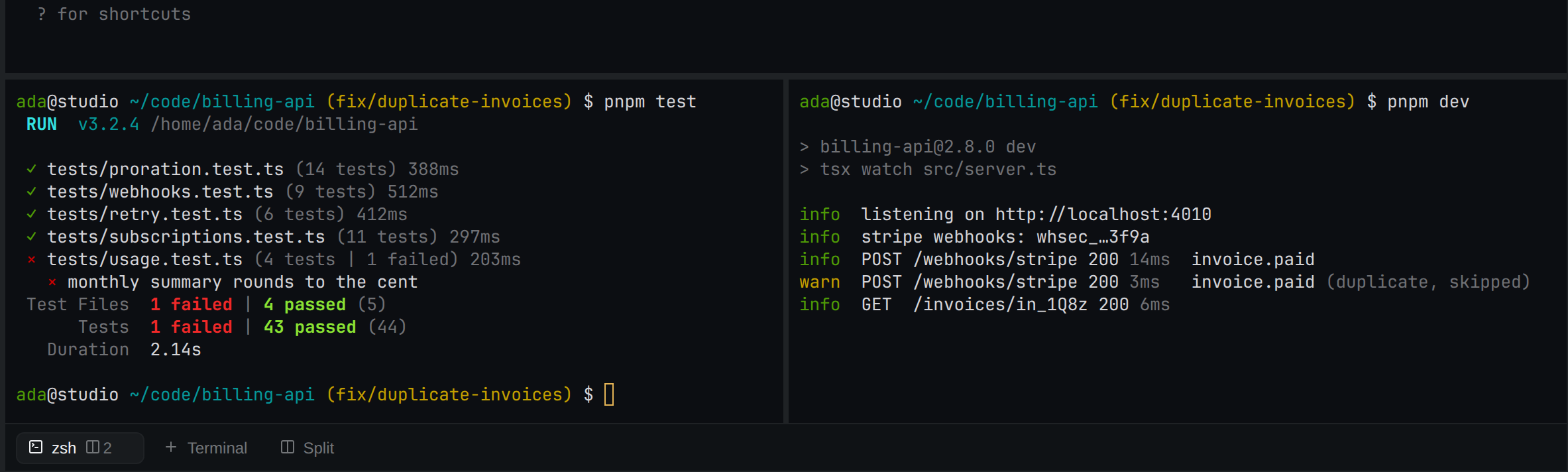
The strip at the bottom of every project view opens your own shell next to the agent.
- + Terminal opens one in the project's directory, or in the session's worktree. Split opens another beside it.
- Each shell is a chip; click the active chip to fold the shells away (they keep running).
- Shells belong to the project: closing a session does not kill them. They run under the project's profile.
Keyboard
A focused terminal keeps its own keys, except these app chords: Mod+K, Mod+N, Mod+W,
Mod+PageDown, Mod+PageUp, Mod+1 … Mod+9, Mod+, and Mod+Shift+E. On Linux that takes readline's Ctrl+W;
rebind the row to get it back. Mod+F stays the terminal's. See
keyboard shortcuts.
Zoom
− and + beside the zoom level in the sidebar footer scale the whole app in 10% steps, 50–200%.
Click the level to reset to 100. With the sidebar collapsed, use its Updates and zoom menu. The
level persists.