First run
factorai opens on an empty workspace: No projects yet, with two choices in the middle of the window, Add a folder and Import history.
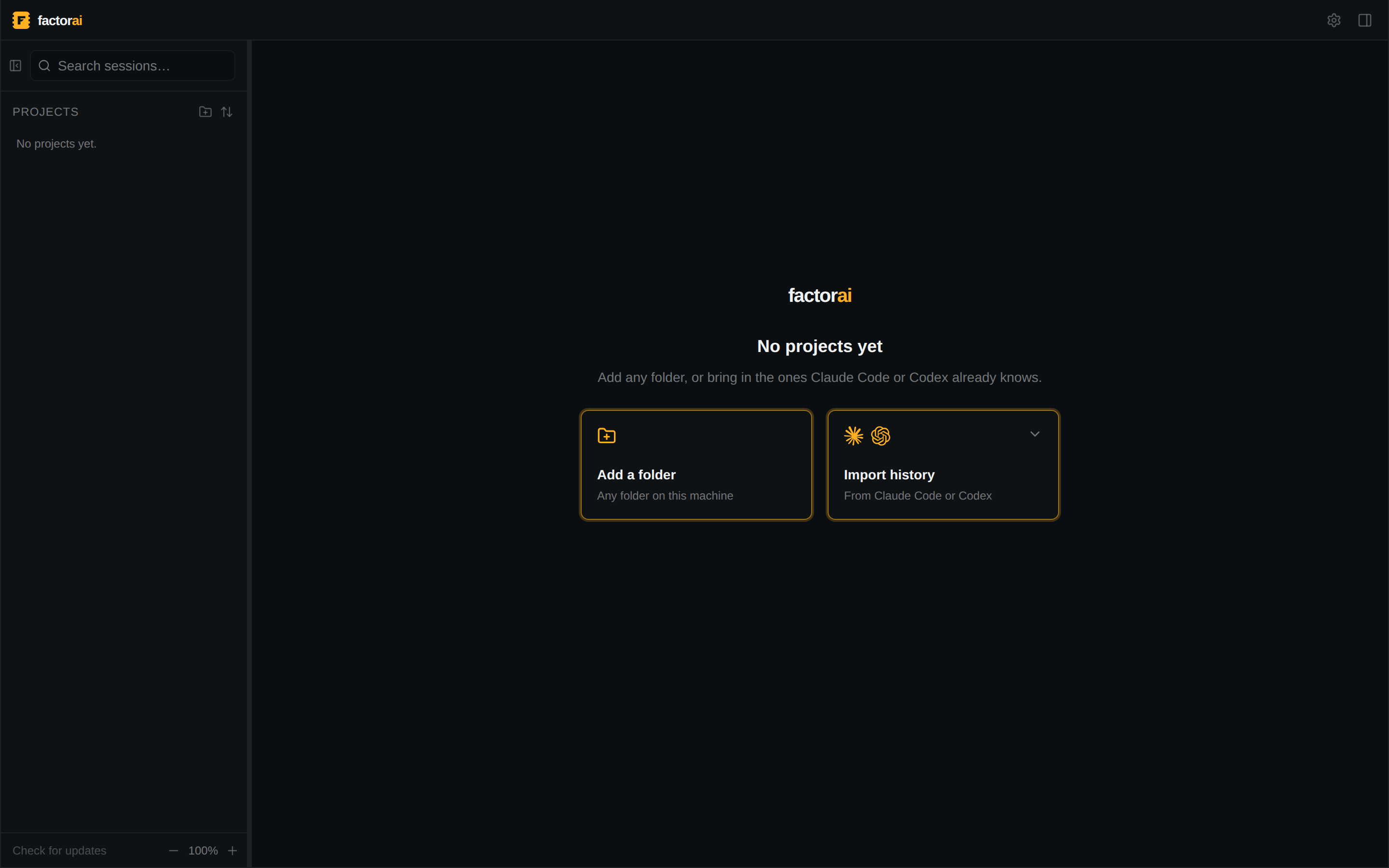
If neither Claude Code nor Codex is found, a line under them links to Settings → Agents
(Mod+,), where each agent reads ACTIVE with a version, or NOT DETECTED. An undetected agent
cannot start sessions; see Troubleshooting.
Adding your first projects
-
Import history asks which agent's history to read: Claude Code or Codex.
The dialog lists the folders that agent has worked in, with their session counts. Tick the ones you want and import. Past sessions appear once indexing finishes. An agent that is not installed is marked not installed but still opens: its history on disk is still there.
-
Add a folder picks any folder, including one no agent has run in yet.
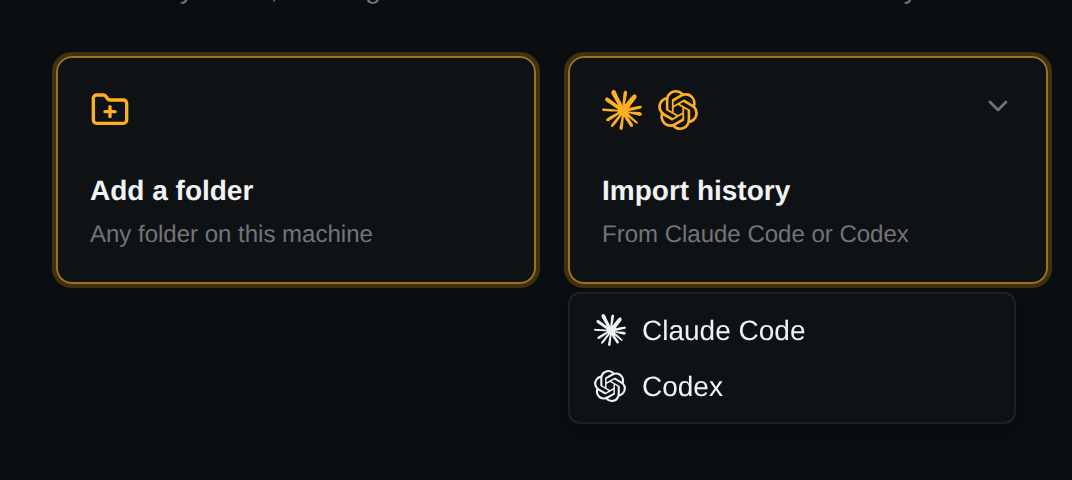
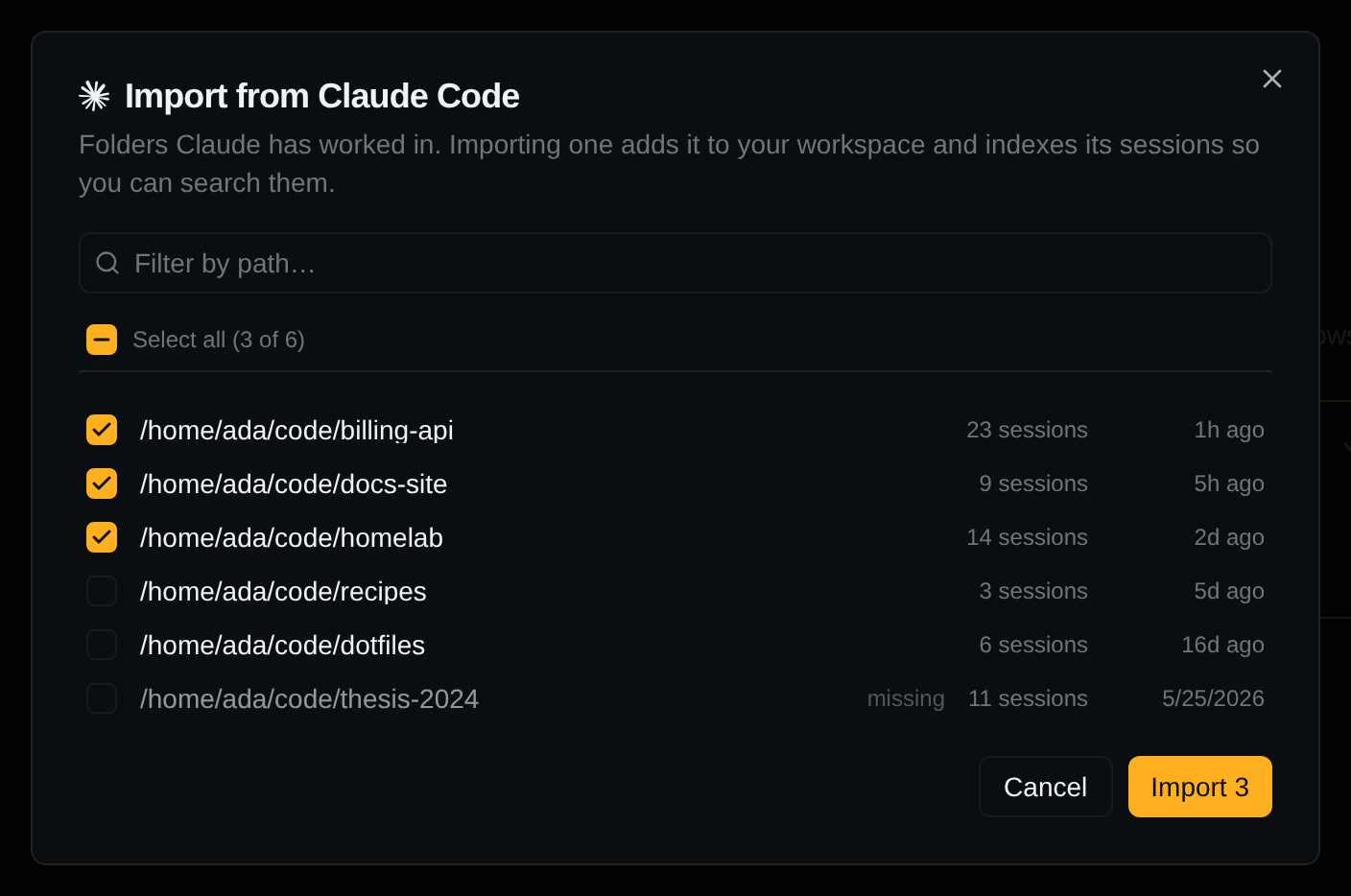
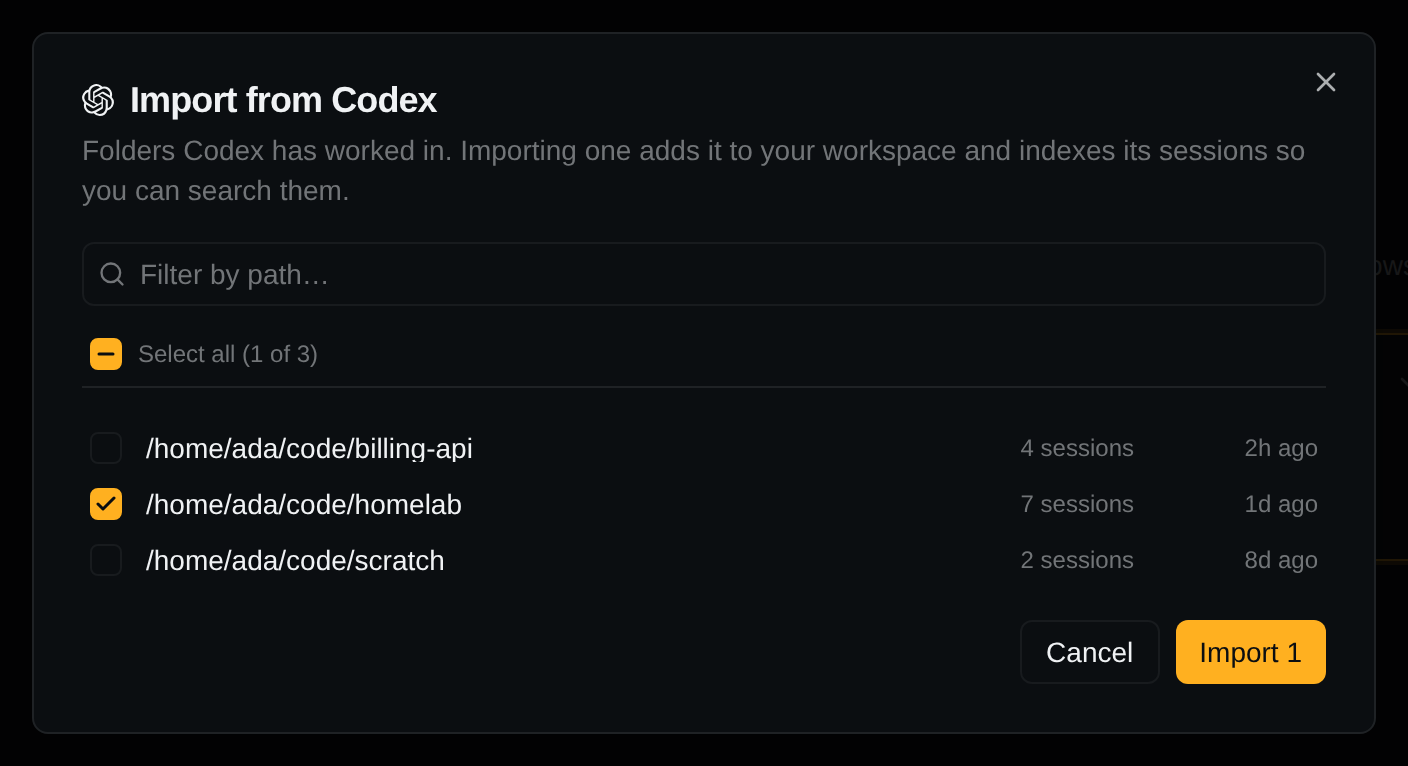
Both are also in the folder menu beside Projects in the sidebar, as Add Project… and Import from Claude Code… / Import from Codex….
Add the folder the agent ran in, not its parent. Sessions started in ~/code/app/web belong
to ~/code/app/web; adding ~/code/app does not bring them in. This is the usual reason a
project comes up empty. Git worktrees are the exception; see Worktrees.
More in Projects.
What discovery does
factorai reads each CLI's transcripts where they are, read-only, and never copies them: Claude
Code's under ~/.claude/projects/, Codex's under ~/.codex/sessions/, or a
profile's own directory.
Only added folders are indexed and searchable.
Why sessions appear on their own
factorai watches those stores. Any new transcript shows up in its project's list, whether it came
from factorai, a routine, or claude / codex in your own terminal. Nothing to refresh.
A new session is listed as New session until its first message, then takes the agent's title. Remove a project and add it back, and every session returns.