Routines
A routine is a saved prompt on a schedule, per project. When due, factorai starts a session in the project with the prompt as its first message.
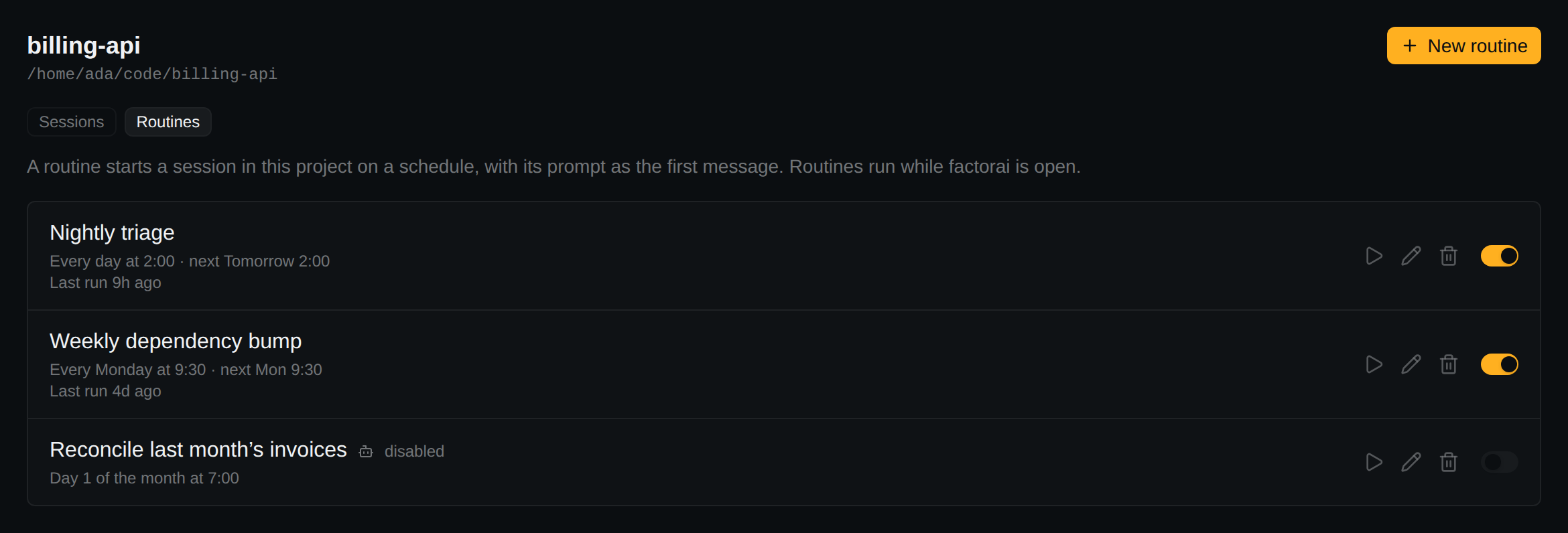
Creating one
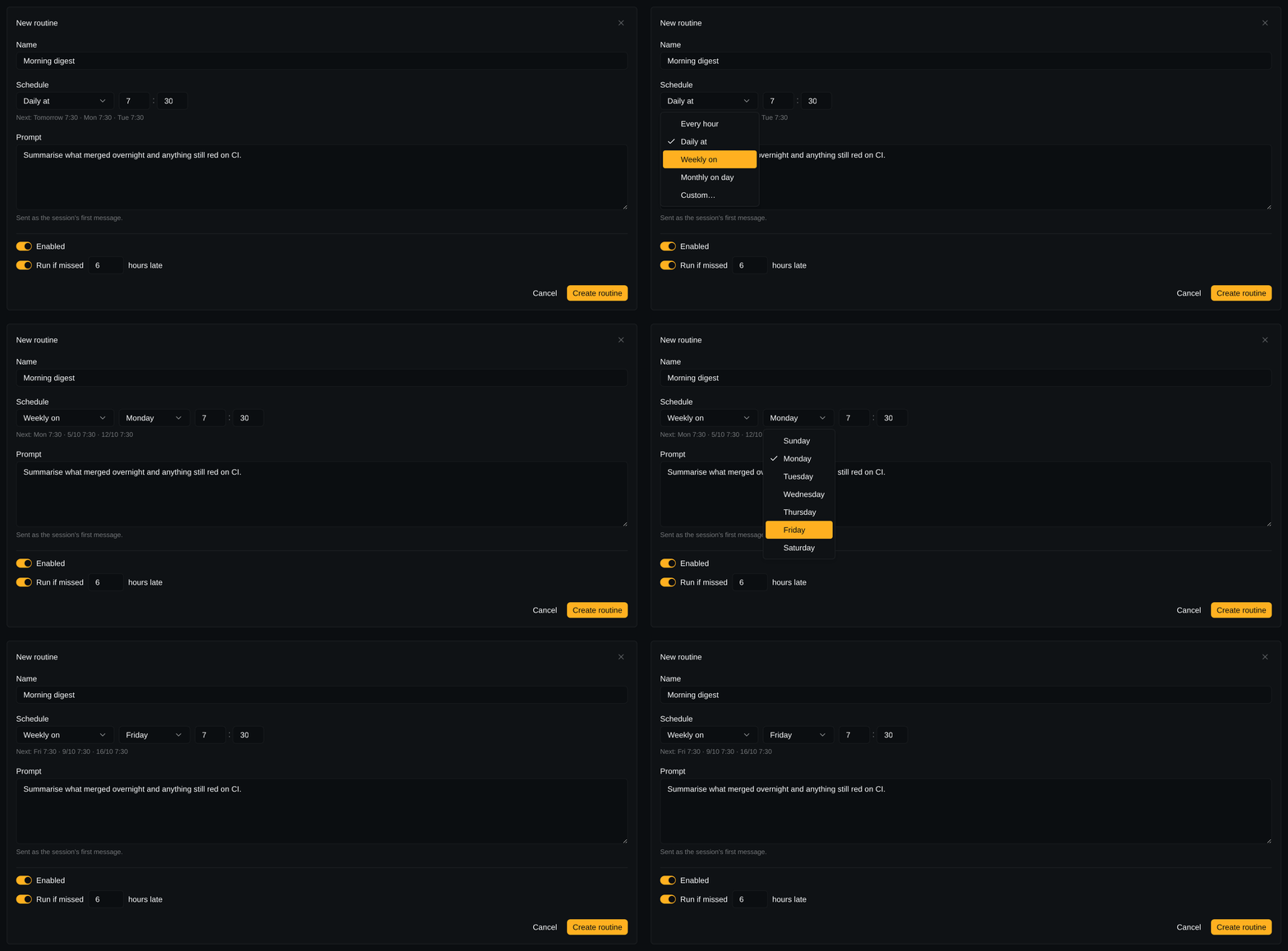
Open a project's Routines tab and press New routine, or choose New routine from the project's right-click menu. Fields: Name, Schedule, Prompt, Enabled, Run if missed.
- Schedule: Every hour (a minute past), Daily at, Weekly on, Monthly on day, or Custom… (five-field cron, local time). The next few runs are previewed below it. Times follow Settings → Appearance → 24-hour clock.
- Each row has Run now, edit, delete and the enable switch. None of them kills a running session.
What a fire does
- Starts an ordinary session, marked with the routine's icon, without opening a tab (blue dot).
- Skipped if the previous run is still going.
Run now fires immediately under the same rules. If it declines, the row says Did not run — and why.
The limit is Settings → Routines → Routine sessions at once (default 2). Runs past it queue.
When factorai is closed
Routines run only while factorai is open. Missed runs start once at the next launch, if within the catch-up window.
- App-wide window: Settings → Routines → Run missed routines for up to (default six hours).
- Per routine: Run if missed … hours late. Switch Run if missed off to never run late.
From an agent
Agents can list, create, change and switch routines off or on over MCP, but not delete them. Their changes are marked on the row.